
Data migration for grooming businesses
Bring your records along for the next chapter
Moving software starts with knowing what you need to bring with you. Neko’s team can help migrate client and pet profiles, history and key business information, with a plan suited to your current system and available data.
- Discuss the records your team needs
- Confirm what your current system can export
- Plan the transfer and review the result

Supported Pet Business Data Migration For Easier Setup
A move planned around your records
Our team works with you to understand your current system and the information you want to bring into Neko. Agreeing the transfer scope first helps you prepare for the change.
- Discuss your current software and available exports.
- Identify the client, pet and history records your team needs.
- Agree the steps for transferring and checking the data.

Client & Pet Data Migration For Business Continuity
Keep the details that matter
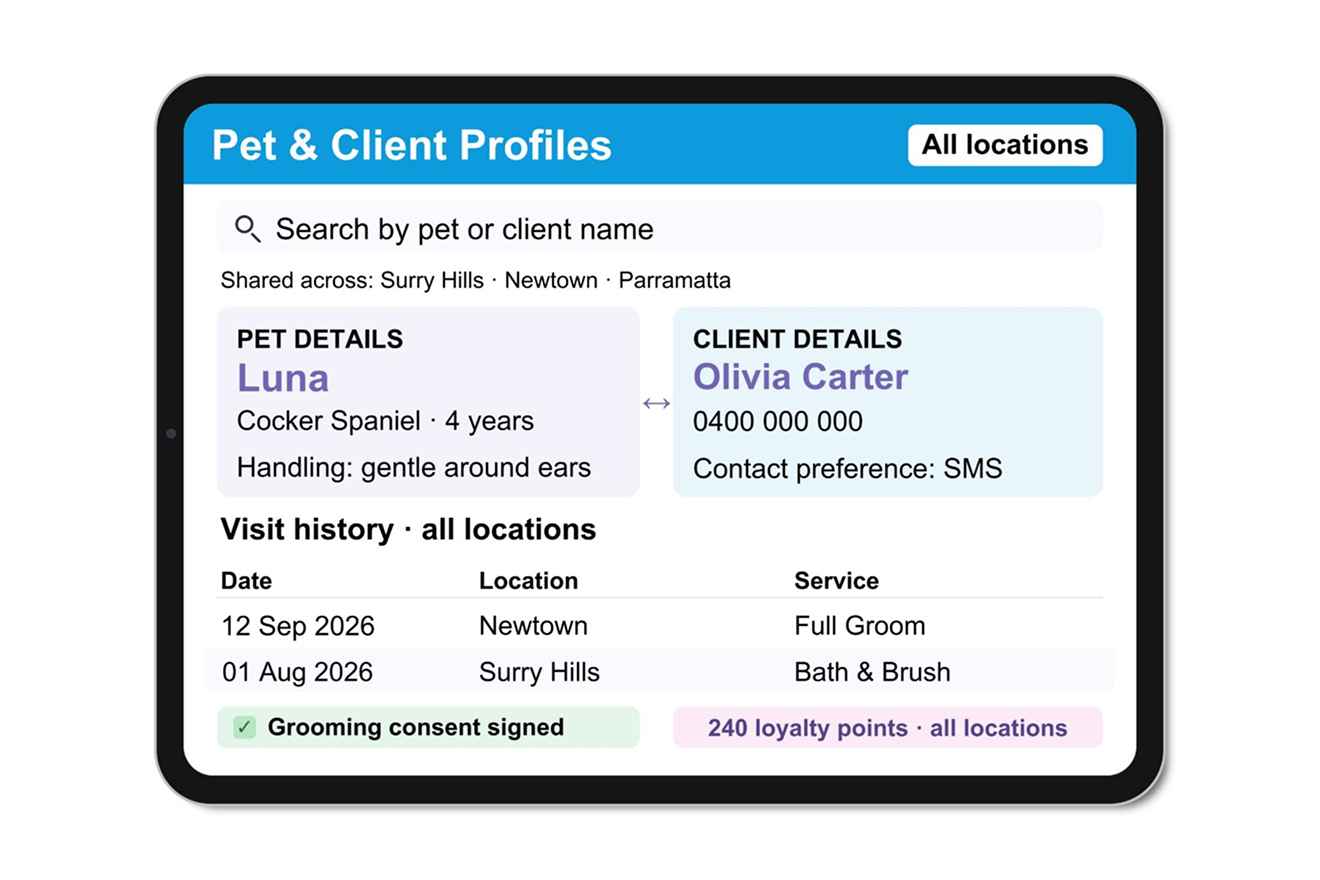
Client and pet profiles, history and key business information can form part of your migration. The available records depend on what your current system can provide, so confirm the details with our team before your move.
- Keep owner and pet information clearly connected.
- Discuss which history and records can be transferred.
- Review transferred information before relying on it.
Switching to Neko
Plan your move with the Neko team
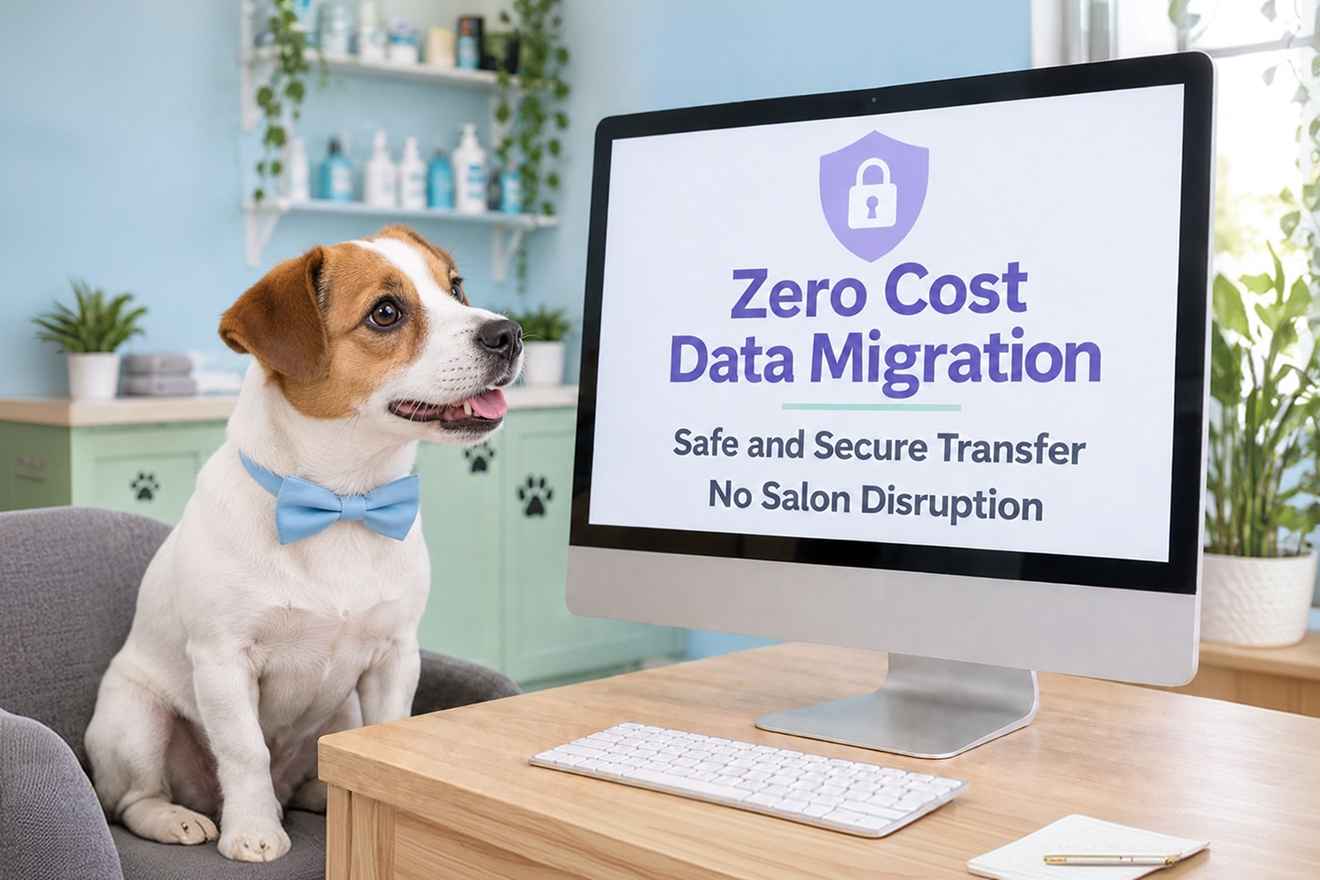
Data migration is included, as described in our current offer. Contact us to confirm the scope for your source system, the available records and the steps for your move.
Data migration FAQs
Your questions about switching to Neko, answered.
Plan your move with clear expectations about your records and the transfer process.
What information can be moved into Neko?
Client and pet profiles, history and key business information can form part of a migration. The records available depend on your current system and its exports. Our team will help you confirm the scope before the transfer.
Can you help me move from my current grooming software?
Yes. Tell our team which software you use and the records you want to keep. We can discuss the available exports and the steps needed for your move to Neko.
Is data migration included?
Data migration is included in the current offer described on this page. Contact the team to confirm what is included for your source system and requested records before making your migration plans.
Will all my historical records transfer?
The transfer depends on what your current system can export and how those records can be brought into Neko. Confirm the specific history and fields you need with our team rather than assuming every record will transfer.
What should I prepare before moving?
Tell us your current system, identify the client and pet records your team relies on and check which exports are available. The Neko team can guide you on the next steps for your setup.
How long will migration take?
Timing depends on your source system, the data available and the agreed transfer scope. Contact our team to discuss a plan for your business, including how to review the records after transfer.